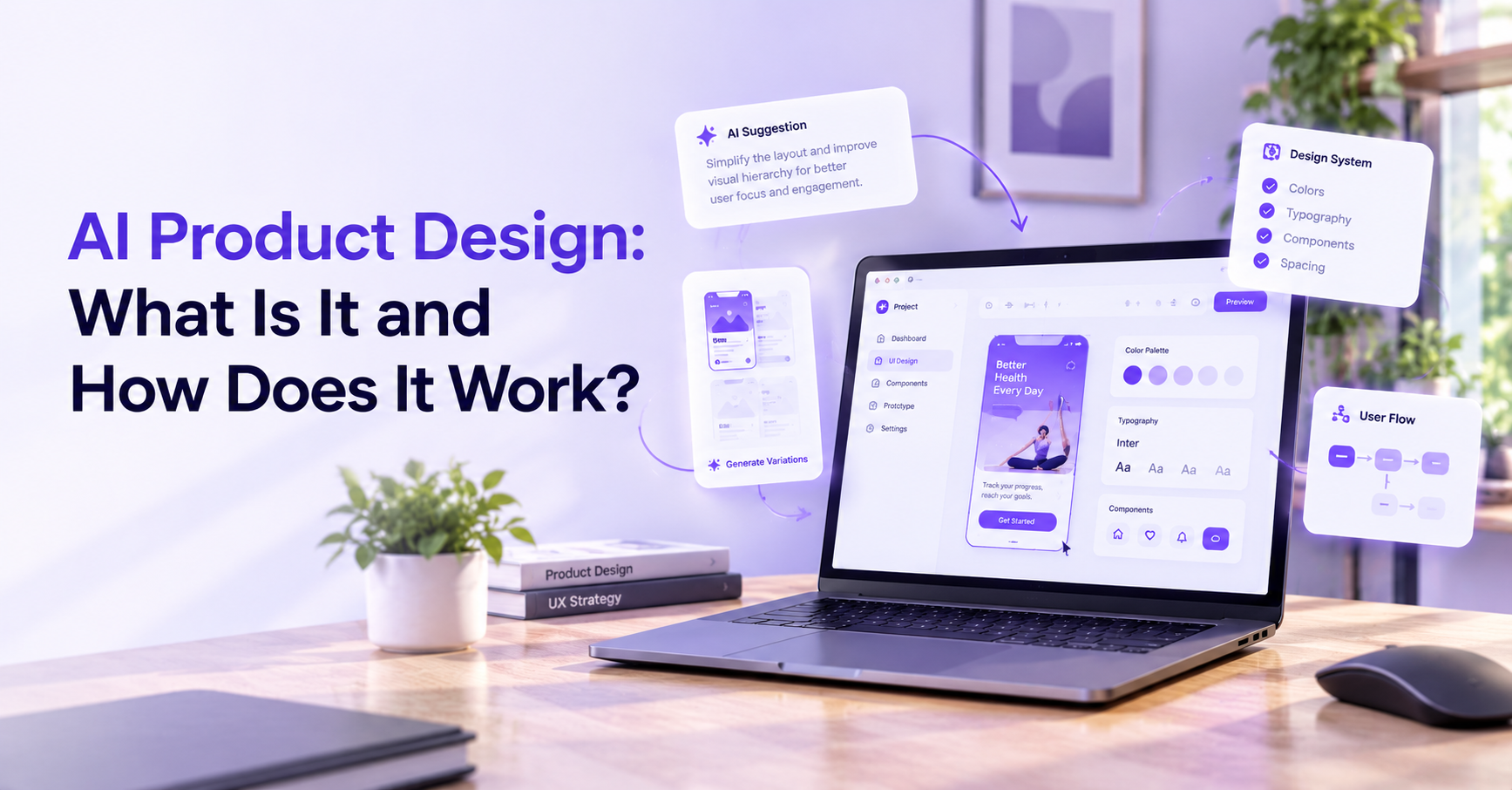
What Is AI Product Design?
AI product design is the practice of creating digital products that use artificial intelligence to solve real problems, meet user needs, and deliver meaningful outcomes.
It brings together product strategy, user research, UX and interaction design, technical feasibility, data considerations, and AI evaluation to create products in which intelligent capabilities serve a clear purpose.
Consider a traditional business dashboard. Users open the application, navigate through charts, apply filters, and manually interpret performance data to understand what has changed.
An AI-powered dashboard could go further. It might highlight an unusual drop in revenue, summarise changes in customer behaviour, or let users ask questions about their data in natural language.
The difference is not simply the addition of an AI model. The product must also help users understand the results, examine supporting information, ask follow-up questions, and make informed decisions.
That entire experience is part of AI product design.
AI Product Design vs. Traditional Product Design
Traditional product design often focuses on creating intuitive experiences around defined workflows and predictable interactions. Designers map user journeys, establish information architecture, prototype interfaces, and test whether people can complete their tasks.
AI product design uses many of the same foundations, but introduces additional considerations.
AI systems can produce different outputs for similar inputs. Their performance may depend on the data available, the context provided, and the model being used. Even a carefully designed feature can generate an unexpected or incorrect result.
Designers therefore need to consider not only how an interface works when everything goes according to plan, but also how it behaves when the AI misunderstands a request, produces an incomplete answer, or cannot confidently complete a task.
This makes feedback, error recovery, transparency, and user control particularly important.
AI Product Design vs. AI-Assisted Design
Although closely related, the two terms serve different purposes and focus on different aspects of product development.
AI product design means designing a product that incorporates AI as part of its functionality. Examples include intelligent search tools, AI-powered dashboards, recommendation systems, and applications that generate or summarise information.
AI-assisted design means using AI tools to support the design process itself. Designers might use these tools to explore concepts, organise research findings, generate initial interface ideas, or accelerate repetitive tasks.
A team can use AI-assisted design methods to build a product that does not contain any AI features. Equally, a team designing an AI-powered application may use conventional design tools throughout its workflow.
Understanding this distinction helps businesses define what they actually need before investing in a project.
Does Every Digital Product Need AI?
AI only adds value when it solves a real problem more effectively than a simpler solution.
For example, an AI system might help users explore large volumes of unstructured information, identify patterns across complex datasets, or interact with a product using natural language. These capabilities can make certain workflows faster or more accessible.
However, a straightforward form, calculator, or predictable approval workflow may work better with conventional software.
AI can introduce additional costs, latency, uncertainty, and maintenance requirements. If it does not improve the
user experience or business outcome enough to justify those trade-offs, adding it may make the product unnecessarily complicated.
The best starting point is always the user problem, not the technology.
The AI Product Design Process, Step by Step
Building an effective AI-powered product requires more than designing an attractive interface. Each stage should reduce uncertainty, validate assumptions, and connect design decisions to the outcomes the product is expected to deliver.
Step 1: Understand the User Problem and Validate the Opportunity
Every successful product begins with a problem worth solving.
Before deciding which AI capabilities to introduce, the product team needs to understand its intended users, their goals, their existing workflows, and the difficulties they encounter.
User interviews, observation, surveys, journey mapping, and product analytics can help reveal where people experience friction. The aim is to understand what users are trying to accomplish rather than simply asking whether they would like an AI feature.
For example, a team might discover that sales managers spend hours comparing reports because important changes are scattered across multiple dashboards. The real problem is not necessarily a lack of AI. It is the time and effort required to identify meaningful information.
An AI-assisted insight feature could be one possible solution, but the team should compare it with alternatives such as better reporting, automated alerts, or improved information architecture.
This discovery stage establishes whether AI offers a genuine advantage.
Key deliverable: A validated problem statement, a clear target audience, and an initial hypothesis about where AI could improve the experience.
Step 2: Define Product Goals and Success Metrics
Once the opportunity is clear, the team needs to define what success looks like.
A feature that attracts attention is not necessarily a successful feature. Users might try an AI assistant once out of curiosity and never return if it does not help them complete their work.
Success metrics should therefore connect the AI capability to a meaningful user or business outcome.
For the sales
dashboard design, the team might measure how long users take to identify a significant performance change, how accurately they interpret the underlying data, and how frequently the feature helps them complete their analysis.
It should also establish acceptable quality thresholds and identify errors that could cause harm or lead to poor business decisions.
These criteria give designers and engineers a shared understanding of what they are building and how it will be evaluated.
Key deliverable: Defined product goals, measurable success criteria, and agreed requirements for the AI experience.
Step 3: Assess AI Capabilities, Data, and Technical Feasibility
An AI product idea may sound useful, but its success depends on whether the necessary technology and information are available.
Designers, product managers, engineers, and data specialists should work together to assess the feasibility of the proposed experience.
This includes understanding what data the system needs, whether that data is available and suitable, how the AI will access relevant context, and which model or technical approach is appropriate.
The team should also consider response time, operating costs, data privacy, security, integration requirements, and the consequences of incorrect outputs.
For instance, a sales dashboard that generates performance summaries must have access to the relevant business data. If that data is incomplete, outdated, or incorrectly interpreted, the resulting summaries may mislead users regardless of how polished the interface looks.
Technical constraints should inform design decisions from the beginning. They should not become surprises discovered after the team has committed to a finished experience.
Key deliverable: A feasibility assessment covering data requirements, technical constraints, risks, and the proposed AI approach.
Step 4: Design the Human-AI Interaction
This is where product design translates AI capabilities into an understandable experience.
The designer must determine how users interact with the AI, what information they need to provide, how results are presented, and what happens when the system cannot fulfil a request.
A conversational interface, for example, may require more than a text input and a response window. Users might need suggested prompts, contextual information, clarification questions, source references, editing controls, or a way to correct an answer.
The right interaction depends on the task.
In a sales dashboard, users might select a metric and ask why it has changed. The AI could provide a concise summary alongside the relevant figures and links to the underlying reports. Users could then investigate further rather than being expected to accept the generated explanation without question.
Designers should also consider the complete interaction lifecycle: initial discovery, onboarding, loading, successful responses, empty states, errors, and recovery.
The goal is to make AI feel like a useful part of the product rather than an unfamiliar feature that users must learn to navigate.
Key deliverable: User flows, interaction patterns, wireframes, and clearly defined AI and user responsibilities.
Step 5: Prototype and Test the Experience
Before investing in full development, teams should test whether the proposed experience makes sense to real users.
Prototypes allow designers to explore layouts, interactions, and workflows without building the entire product. Early prototypes can use simulated AI responses to evaluate usability, provided these are clearly treated as illustrative outputs rather than evidence of actual model performance.
During testing, the team should observe whether users understand the feature, provide the necessary context, interpret the results correctly, and know what to do when the AI produces an unexpected response.
Testing should examine more than visual appeal. A screen can look intuitive while encouraging users to misunderstand the information it presents.
For example, users might interpret a generated sales summary as a verified conclusion rather than a possible explanation. Testing can reveal whether the interface needs clearer language, supporting data, or more explicit limitations.
As the product moves closer to implementation, testing should also incorporate the actual AI system and representative inputs.
Key deliverable: A tested prototype, usability findings, and a prioritised list of improvements.
Step 6: Develop, Integrate, and Evaluate the Product
After the experience has been validated, designers and engineers work together to implement it.
This involves connecting the interface to the necessary data sources, application logic, and AI system. It also requires testing whether the complete product behaves as intended.
Traditional software testing remains important, but AI products require additional evaluation because generated outputs may vary and can be incorrect even when the interface functions perfectly.
The team should test representative scenarios, difficult inputs, ambiguous requests, missing data, and other situations that could produce poor results.
Depending on the product, evaluation might examine factual correctness, relevance, consistency, latency, accessibility, security, and the system's ability to handle inappropriate or unsupported requests.
The team should also verify that users can recover from failures without losing work or being forced into an unhelpful workflow.
Key deliverable: An integrated product that meets agreed usability, quality, security, and launch-readiness criteria.
Step 7: Launch, Monitor, and Improve
Launching an AI-powered product is not the end of the design process.
Real users introduce different behaviours, expectations, and edge cases that may not appear during controlled testing. Changes in data, model versions, or the surrounding application can also affect performance.
Teams should monitor user adoption alongside task success, output quality, correction rates, response times, and relevant safety indicators. Feedback should help identify where the product creates value and where users continue to struggle.
For example, if users regularly rewrite AI-generated summaries before sharing them, the team should investigate whether the system misunderstands the task, lacks necessary context, or produces information in an unsuitable format.
The solution may involve improving the prompt and context, changing the interface, adjusting the workflow, or revisiting the underlying AI approach.
User feedback does not automatically improve a model. Teams need an explicit process for reviewing feedback and deciding which changes to make.
Key deliverable: A monitoring plan, an actionable improvement backlog, and a process for evaluating future changes.
Core Principles of Effective AI Product Design
The process provides a structure for building an AI product. These principles help teams make better decisions throughout that process.
Start With Human Needs, Not AI Capabilities
Technology should serve a clear purpose within the user's workflow.
Before introducing AI, identify the task people want to complete and understand what currently prevents them from completing it effectively. This keeps product decisions grounded in user value rather than technological novelty.
Make AI Capabilities and Limitations Clear
Users need realistic expectations about what an AI feature can do.
An interface should communicate important limitations, explain when a result may require verification, and avoid presenting generated content as established fact when it has not been verified.
The amount of explanation should reflect the context. A low-risk writing suggestion requires a different level of transparency from an AI-generated recommendation that could influence a consequential business decision.
Keep Users in Control
AI can automate tasks, but automation should not remove meaningful user control.
People should have appropriate opportunities to review, edit, reject, or reverse AI-assisted actions. Actions with significant consequences may require explicit confirmation or additional review.
The right level of control depends on the task, its risks, and the user's expectations.
Design for Uncertainty and Failure
AI systems will not always produce the expected result.
Good product design anticipates that reality through helpful error messages, clarification flows, alternative actions, and graceful fallback experiences.
If the system cannot answer a question reliably, it should not simply produce a confident-sounding response. Depending on the application, it may need to request more information, explain the limitation, offer a narrower answer, or direct the user to another method.
A product becomes more useful when it helps people recover from mistakes instead of leaving them stuck.
Build Trust Through Appropriate Transparency
Trust should come from the experience of using the product, not from visual cues that merely make AI appear authoritative.
Where relevant, interfaces can provide source references, supporting data, explanations of recommendations, or clear distinctions between verified information and generated suggestions.
Designers should be careful with confidence scores. A numerical score should only be presented when it has a meaningful interpretation and has been appropriately calibrated. Otherwise, it can create a false sense of certainty.
Consider Privacy, Fairness, and Accessibility
Responsible AI design also requires attention to how data is collected, processed, stored, and displayed.
Teams should consider sensitive information, access permissions, data retention, potential bias, accessibility requirements, and the consequences of incorrect outputs for different groups of users.
These considerations should influence research, design, implementation, and evaluation rather than being postponed until the product is ready to launch.
Google's
People + AI Research Guidebook and Microsoft's
Human-AI Interaction Guidelines offer practical guidance on many of these challenges.
Real-World Examples of AI Product Design
AI product design takes different forms depending on the user's needs and the product's purpose.
AI-Powered SaaS Dashboards
Business dashboards often contain large amounts of information, but users may struggle to identify what matters most.
An AI-powered dashboard can help summarise performance, surface unusual changes, and let users explore information through natural-language questions.
The design challenge is to make those insights actionable and verifiable. Users should be able to inspect relevant data, understand the context behind a recommendation, and investigate further when needed.
AI Features in Mobile Applications
Mobile applications can use AI for intelligent search, image recognition, personalised recommendations, or voice-based interactions.
For example, a user might search a photo library using a natural-language description instead of manually browsing hundreds of images.
The experience needs to provide useful results, communicate relevant limitations, and allow users to refine their search when the system misunderstands their intent.
Because mobile interactions often happen in short sessions, simplicity and clear feedback are especially important.
AI Tools for Business Workflows
Business applications can use AI to summarise documents, classify support requests, draft emails, or extract information from large collections of files.
Consider a customer support platform that suggests replies to incoming requests. The AI can help an agent prepare a response more quickly, but the interface should make review and editing straightforward.
For sensitive or consequential communications, approval controls and clear responsibility become especially important.
AI-Powered Consumer Products
Consumer products may use AI to personalise recommendations, organise content, or help users discover relevant information.
A recommendation experience, for example, should balance personalisation with user choice. People may need ways to adjust preferences, dismiss irrelevant suggestions, or understand why particular content appears.
Across these examples, the central design challenge remains consistent: AI must be integrated into a useful, understandable, and appropriate product experience.
How to Measure the Success of an AI Product
Measuring an AI product requires more than tracking clicks, sign-ups, or the number of prompts users submit.
The most useful metrics depend on what the product is designed to accomplish.
User Experience Metrics
User experience metrics help establish whether the product is making tasks easier.
Depending on the application, these might include task completion rate, time required to complete a task, usability scores, user satisfaction, correction frequency, and abandonment rate.
For an AI reporting assistant, for example, a reduction in the time needed to understand a report may be more meaningful than the number of questions users ask.
AI Performance Metrics
AI performance must be evaluated against the requirements of the particular task.
A classification system might require measures such as precision and recall. A generative assistant might need evaluation for factual correctness, relevance, completeness, and whether its claims are supported by available information.
No single metric is appropriate for every AI product. The evaluation method should reflect the type of output, the likely failure modes, and the consequences of errors.
Business and Operational Metrics
Business metrics connect product performance to commercial objectives. These can include adoption, retention, conversion, cost per successful task, and support costs.
Operational measures such as response latency and infrastructure costs also matter because a feature that works well but is too slow or expensive may not be viable.
Trust and Safety Metrics
Teams should also monitor harmful errors, privacy incidents, inappropriate outputs, performance differences across relevant user groups, and the effectiveness of correction and escalation mechanisms.
The
NIST AI Risk Management Framework provides a useful foundation for thinking about AI-related risks throughout the product lifecycle.
Ultimately, successful AI product design connects technical performance to user outcomes. The product should not simply generate outputs; it should help people accomplish their goals more effectively.
When Should You Work With an AI Product Design Agency?
An AI product design agency can help businesses turn an AI opportunity into a well-defined, user-centred product experience.
External design expertise can be particularly valuable when a company has an idea but has not yet validated the problem, when an existing SaaS platform needs new AI capabilities, or when an AI feature is technically functional but difficult for users to understand.
A design partner can help research user needs, evaluate potential use cases, map workflows, develop prototypes, and test the experience before development progresses too far.
For an existing product, an evaluation of the current experience may also reveal usability issues, unclear interactions, or unnecessary friction. A structured
UX audit can help identify these problems and prioritise improvements.
When choosing an agency, look beyond attractive interface designs. Consider whether the team understands product strategy, user research, interaction design, prototyping, usability testing, and collaboration with engineering.
AI product design also requires an honest understanding of limitations. A design agency should not promise that interface design alone will guarantee AI accuracy, eliminate technical risks, or produce business results without appropriate implementation and evaluation.
At Juxify, our product design approach focuses on connecting user needs, product strategy, and thoughtful digital experiences. For businesses exploring AI-powered products, this means establishing what users need, identifying where intelligent capabilities may add value, and designing an experience that is useful, clear, and ready to be tested.